






Be the first to know about exclusive offers, new products and more...



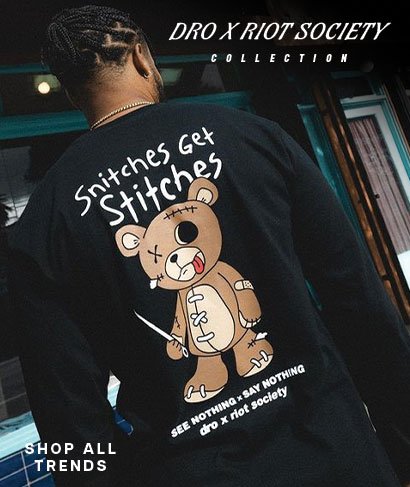


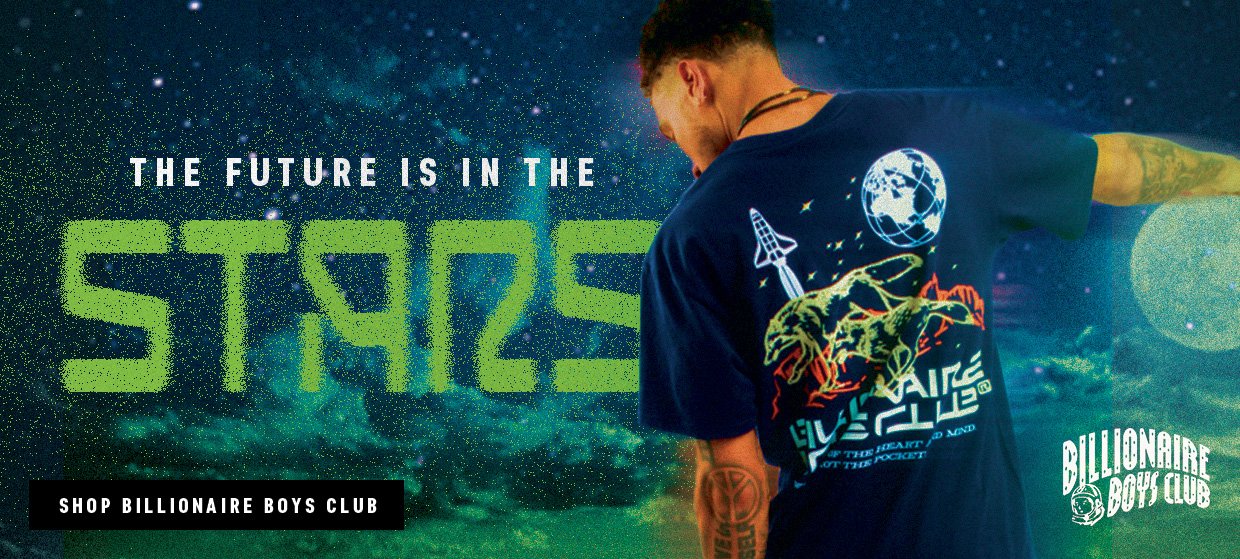
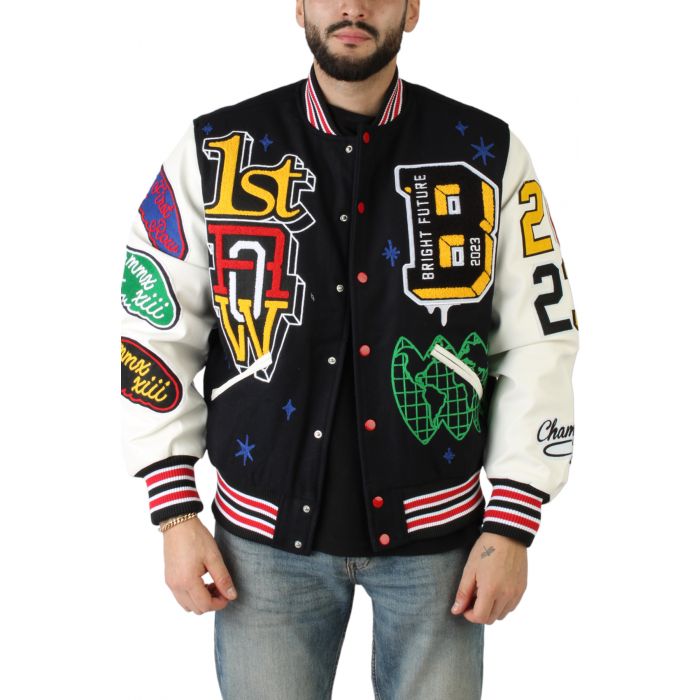
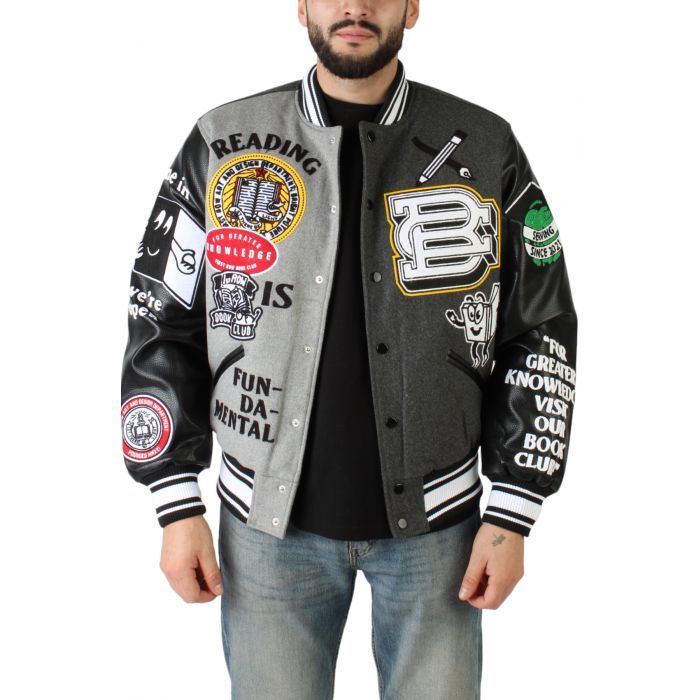
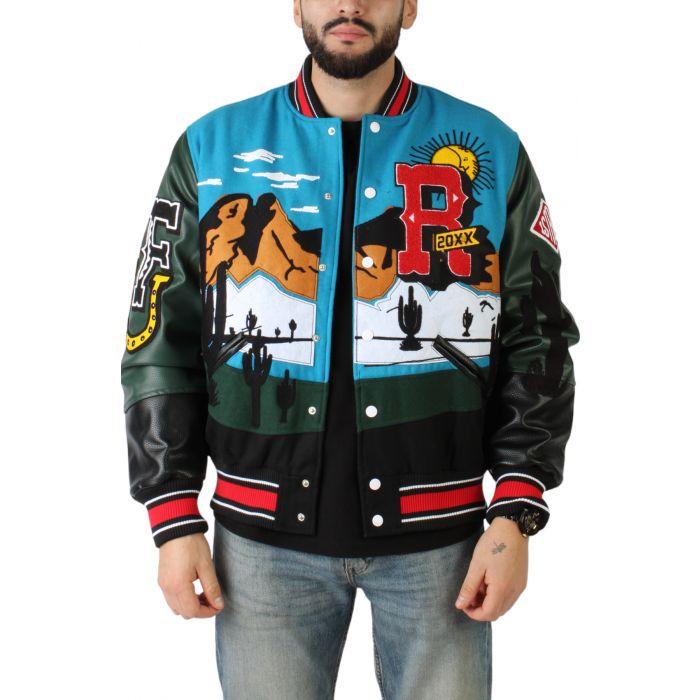
Karmaloop was created to bring you the latest in Streetwear trends from Top Streetwear Brands Like Billionaire Boys Club, 10 Deep, Pink Dolphin, Kappa, Adidas, and more. Karmaloop remains the largest Store for Urban Clothing Since it opened its doors in 2000. This includes Kazbah Marketplace which bring you upcoming brands and styles you can’t find anywhere else and PLNDR The largest Discount for Streetwear. From the latest Shoes, Joggers, Outerwear, T-shirts Karmaloop has what your looking for in Women’s and Men’s Fashion.